What is Google Authenticator?
What is Google Authenticator?
Published: 12 Jan 2023 15:29 | Updated: April 2026
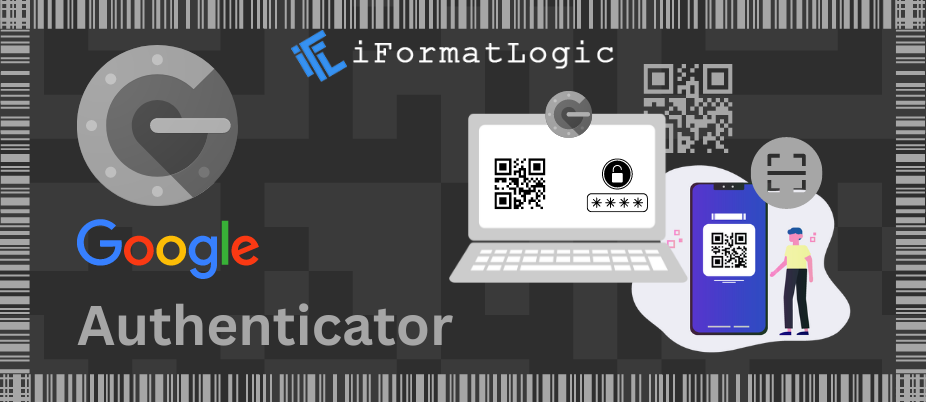
Google Authenticator is a free security application that provides an essential second layer of protection for your digital life through Two-Factor Authentication (2FA).
In an age where password leaks are common, relying on a single password is no longer enough. Google Authenticator generates time-based, one-time passwords (TOTP) directly on your smartphone. By requiring both your standard password and this unique, expiring code, the app ensures that even if a hacker steals your password, they still cannot access your account without your physical device.
How Does It Work?
Setting up the app is straightforward and takes only a few moments:
Link the Account: You scan a QR code provided by the service (like Google, Facebook, or Dropbox) to link your phone.
Generate Code: The app uses a secure algorithm to generate a 6-digit code that changes every 30 seconds.
Verify Identity: When logging in, you enter your password first, then the current code from the app.
Offline Access: Because the codes are generated mathematically on your device, no internet connection is required to get a code.
Key Benefits
Improved Security
Drastically reduces the risk of account takeovers from phishing and brute-force attacks.
Universal Compatibility
Supports thousands of services beyond Google, including social media, banking, and cloud storage.
Easy Portability
Available on both iOS and Android, with modern features allowing you to sync codes to your Google Account for easier recovery.
Free of Charge
A professional-grade security tool available at no cost to all users.
⚠️ Important: Managing Device Access
If you lose your phone, you lose your primary way to generate codes. It is highly recommended to save "Backup Codes" provided by your accounts during setup or to enable the "Cloud Sync" feature within the app to ensure you don't get locked out of your accounts.
Final Thoughts
In the modern landscape of cybersecurity, passwords are the weakest link. Google Authenticator provides a simple, convenient, and incredibly effective shield against unauthorized access. Whether you are protecting personal social media or sensitive business data, enabling 2FA is the single most important step you can take to secure your digital presence.
Looking to bolster your business's cybersecurity and digital infrastructure? Visit iFormatLogic to see how our experts can help you build a more secure future today.